

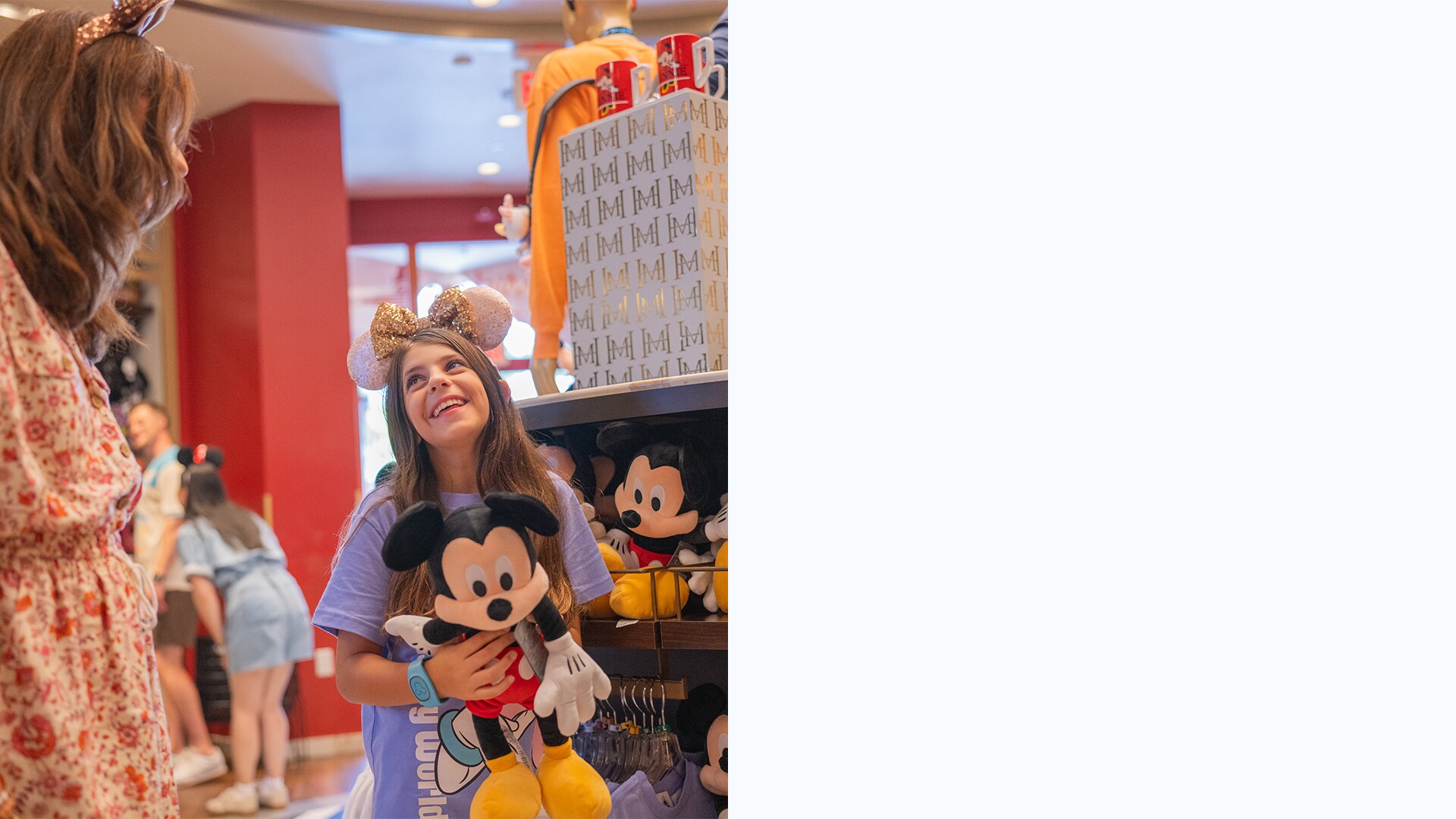
What’s Merchandise Mobile Checkout?
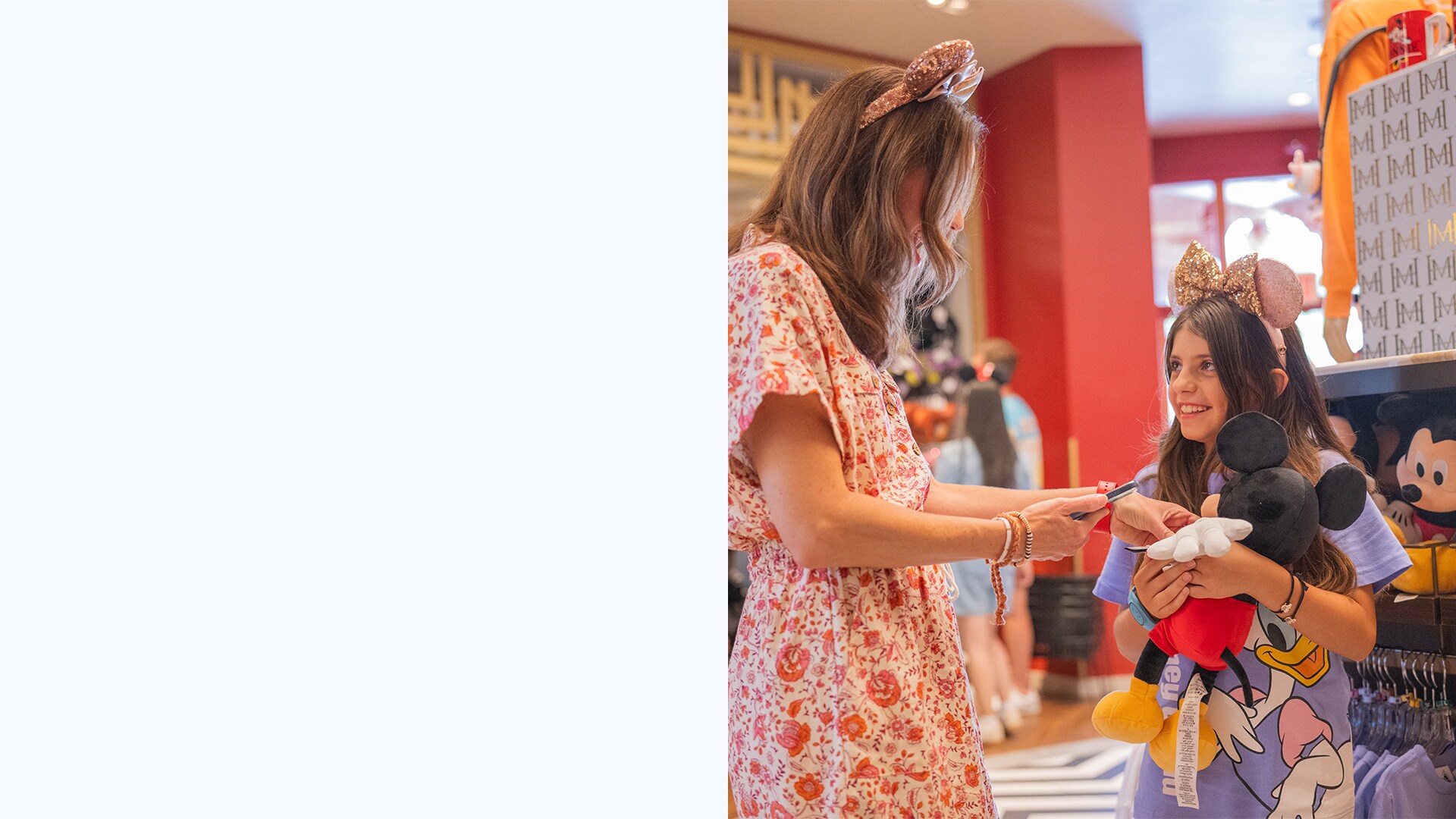
How Do I Use Merchandise Mobile Checkout?
• Select the menu (≡) and tap “Merchandise Checkout”.
• Select the store location.
• Scan merchandise barcodes while you shop.
• Pay for your items by selecting “Purchase.” (Eligible discounts for Annual Passholders, Disney Vacation Club Members and Disney Visa® Cardmembers will automatically apply to the total.)
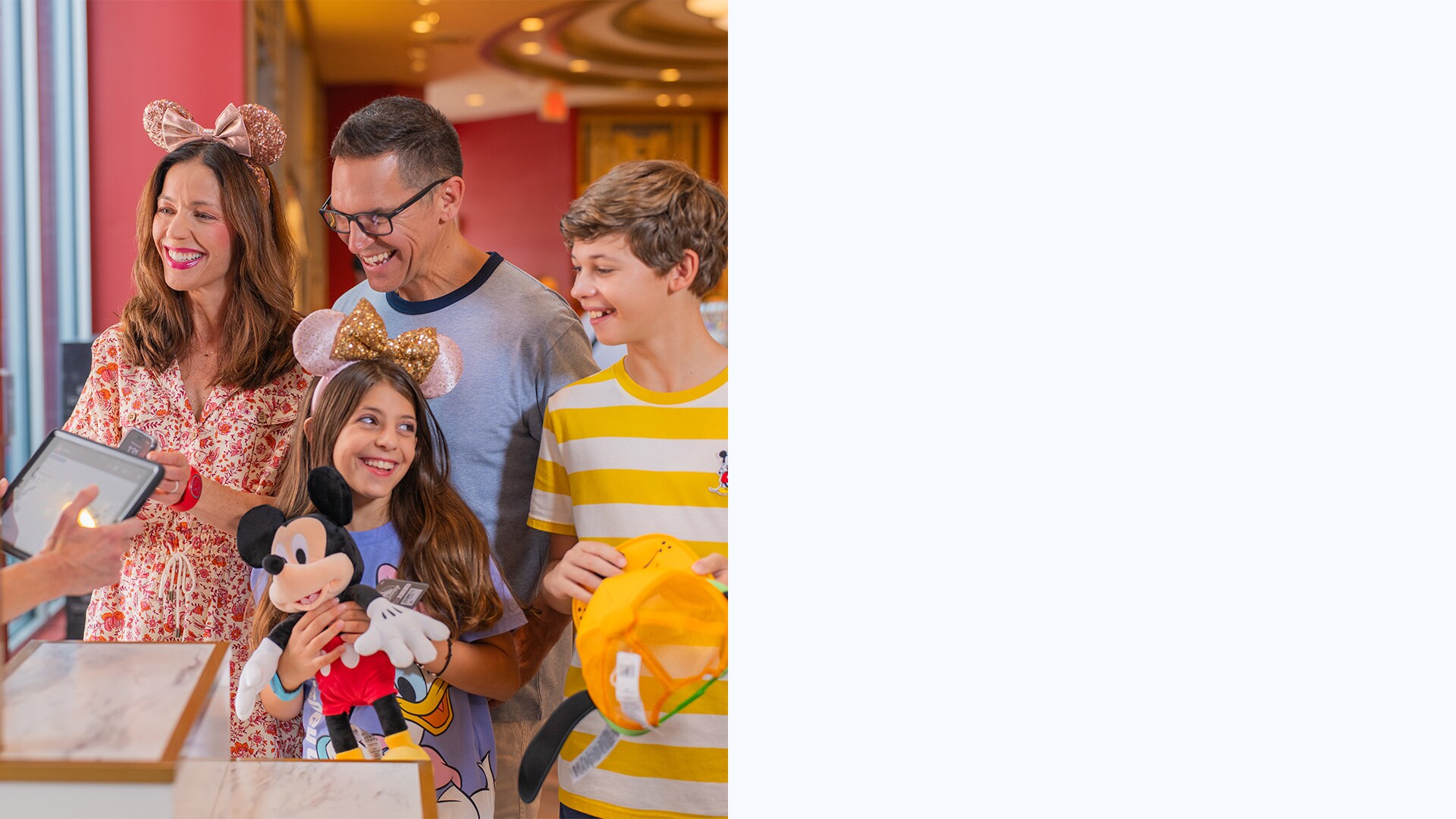
• Show your QR confirmation code to a Cast Member at a designated merchandise mobile checkout podium—and go! Your receipt will be emailed to you.
Tip: Store your payment method in the app before you shop.
Discounts
Annual Passholders and Disney Vacation Club Members
Make sure your pass or membership is linked to your MyDisney account.
Disney Visa Cardmembers
Pay with your Disney Visa Card and/or Disney Rewards Redemption Card to qualify for the Cardmember discount. Make sure to use the most recent version of the My Disney Experience app to receive discounts.
Frequently Asked Questions
- <p>Answer</p>Select the menu (≡) and tap “Merchandise Checkout" or select the action button ( + ) and tap "Merchandise Mobile Checkout." You may also see a section on your home screen that you can tap on to access merchandise mobile checkout.
- <p>Answer</p>Accepted payment methods: Credit Card, Debit Card, Disney Gift Card, Disney Rewards Redemption Card and Apple Pay.
Get Started with Merchandise Mobile Checkout Today

