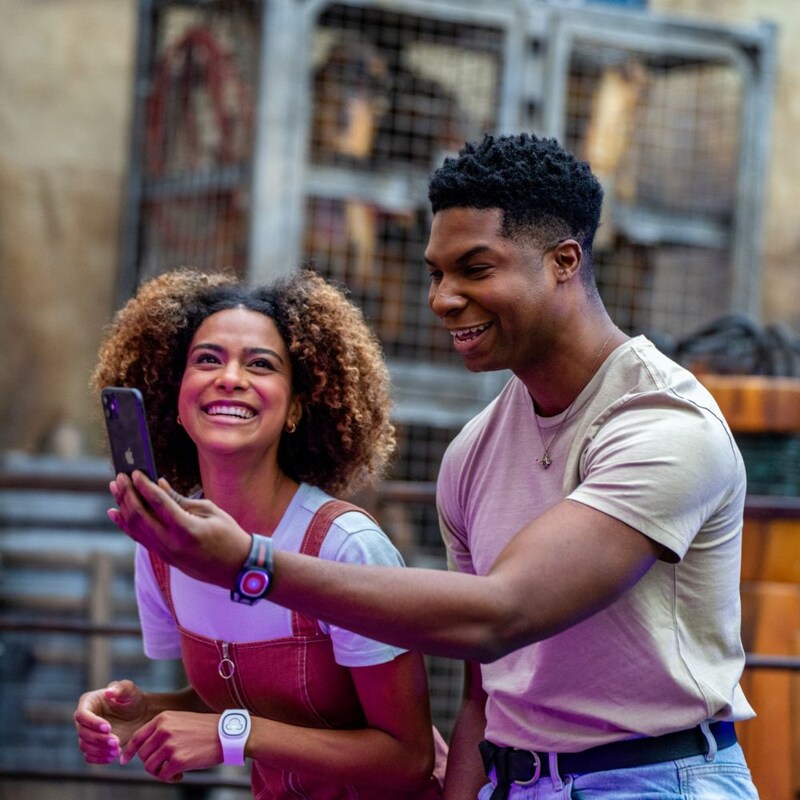
Power your band on by pressing the button on the back once, and tap the band to your phone.
Step 2
You will be directed to open or download the My Disney Experience app.
Step 3
Follow the instructions in the app to link the MagicBand+ to your account, assign it to a Guest and pair it to your mobile device. Then, use the app to make sure your band is charged and the software is up to date.
Step 4
Be sure to link your park tickets, reservations and more.
1/1
00:00
Managing Multiple MagicBands
Manage multiple MagicBands from one MyDisney account for managed Guests.
Step 1
Navigate to MagicBands and More.
Step 2
View your managed Guests.
Step 3
If a Guest’s MagicBand+ is not set up yet, you can do so here!
Step 4
Adjust your managed Guests’ MagicBand+ settings, check battery status and more!
1/1
00:00
Customize Your MagicBand+
Change your light-up theme and make your MagicBand+ reflect your personality!
Step 1
Navigate to MagicBands and More, select “Customize Your MagicBand+” and swipe to the band you want to customize.
Step 2
Confirm that your MagicBand+ is charged and up to date.
Step 3
Choose a custom light up theme.
Step 4
Adjust the vibration and motion recognition settings.
MagicBand+ Exclusive Experiences
Star Wars: Batuu Bounty Hunters
Search for bounties and reach the ranks of Boba Fett at Star Wars: Galaxy’s Edge.
Dazzling Interactions
Find the Disney Fab 50 Character Collection sculptures throughout Walt Disney World Resort and experience the magic!
Item 1 of 2, <em>Star Wars: Batuu Bounty Hunters</em>
Answer<p>Yes. The MagicBand+ has a rechargeable battery. <br><br><a href="/faq/bands-cards/replace-battery/"><u><strong>Learn More</strong></u></a></p>
Answer<p>Your MagicBand+ comes with a 6-inch USB charging cable. <br><br><a href="/faq/bands-cards/charging/"><u><strong>Learn More</strong></u></a></p>
Answer<p>Depending on an individual’s use of the band, the battery can last an estimated 1 to 3 days. To conserve your band's battery life, simply turn it off—then easily power it back on when you want to access all its features. Power your band off by pressing and holding the button on the back for 6 seconds, until it buzzes twice. The lights will glow red to indicate the band has powered off. <br><br><a href="/faq/bands-cards/charging-stations/"><u><strong>Learn More</strong></u></a></p>
Answer<p>Are you using the My Disney Experience app (for Walt Disney World Resort) to pair? And do you also have the Disneyland app open on your device? If so, you won’t be able to pair your MagicBand+ to your phone until you close the Disneyland app. Make sure the Disneyland app is closed, then try again. If you’re still having trouble, flag a Cast Member for help.</p>