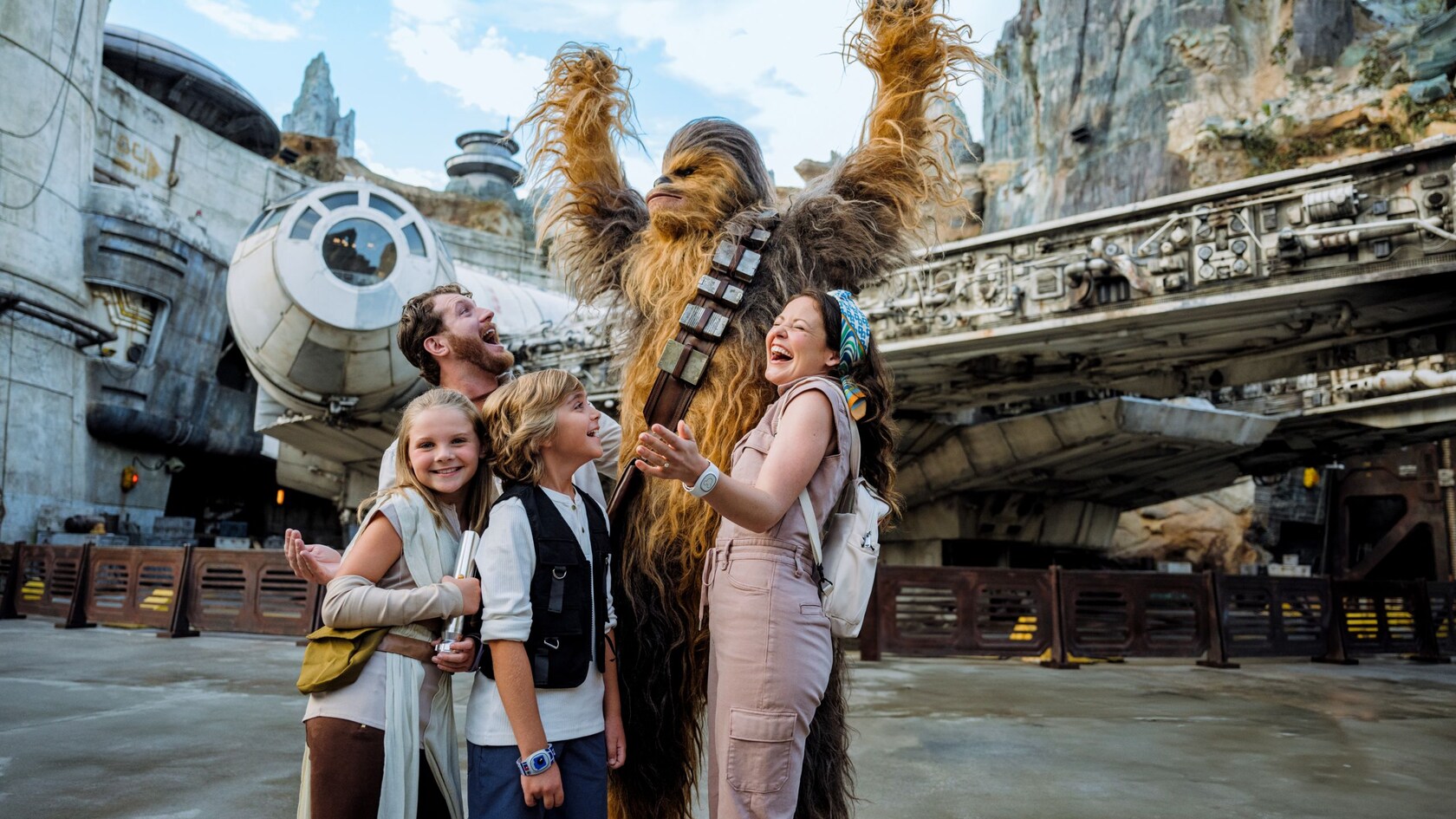

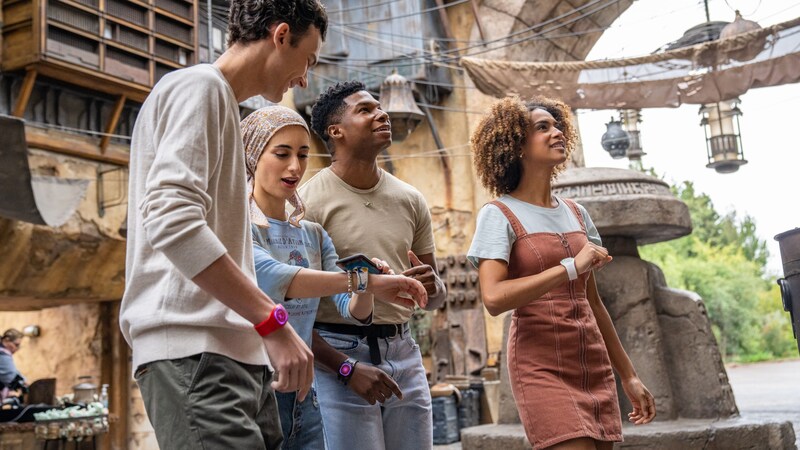
Where is <em>Star Wars: Galaxy’s Edge</em> located at Walt Disney World Resort?<em>Star Wars: Galaxy’s Edge</em> is located at <a href="/destinations/hollywood-studios">Disney’s Hollywood Studios</a>.
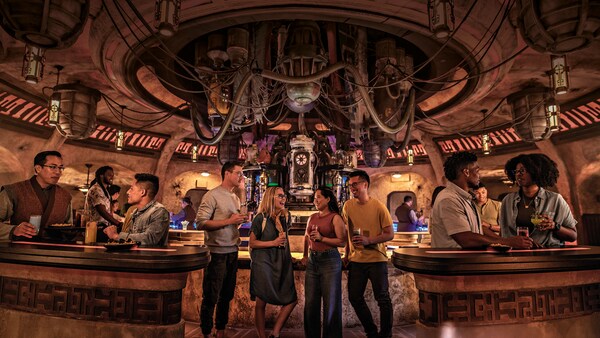
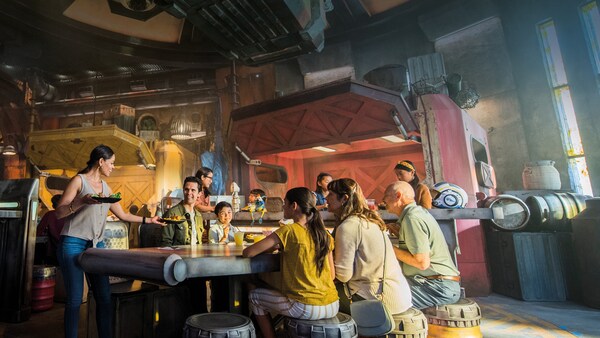
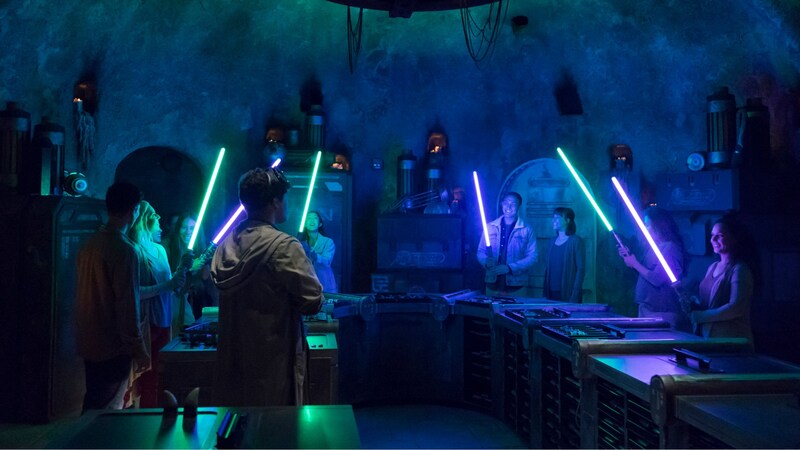
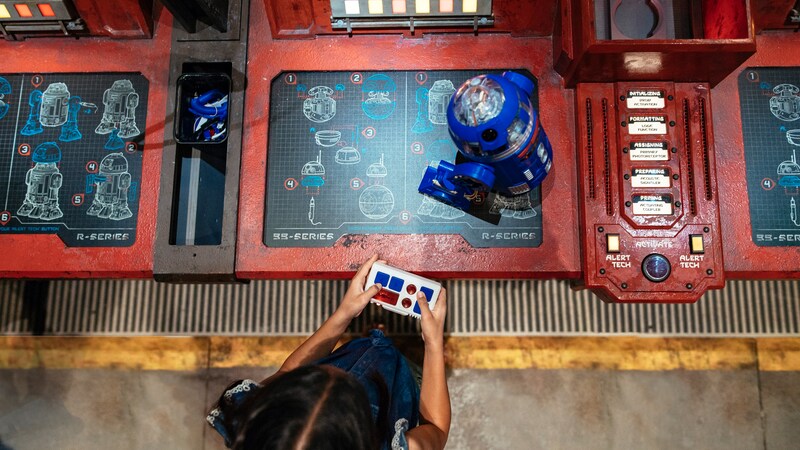
Are reservations required at Droid Depot, Savi's Workshop − Handbuilt Lightsabers and Oga's Cantina?<p>Walk-ins are accepted on a limited basis and are subject to availability. Advance reservations for <a href="/shops/hollywood-studios/droid-depot/">Droid Depot</a>, <a href="/shops/hollywood-studios/savis-workshop-handbuilt-lightsabers/">Savi's Workshop − Handbuilt Lightsabers</a> and <a href="/dining/hollywood-studios/ogas-cantina/">Oga's Cantina</a> are highly recommended. <a href="/faq/reservation-window/advance-reservations/">Learn when advance reservations can be made</a>.</p><p>You can make reservations on the web page for each location or by using the <a href="/plan/my-disney-experience/mobile-apps/">My Disney Experience app</a>.</p>
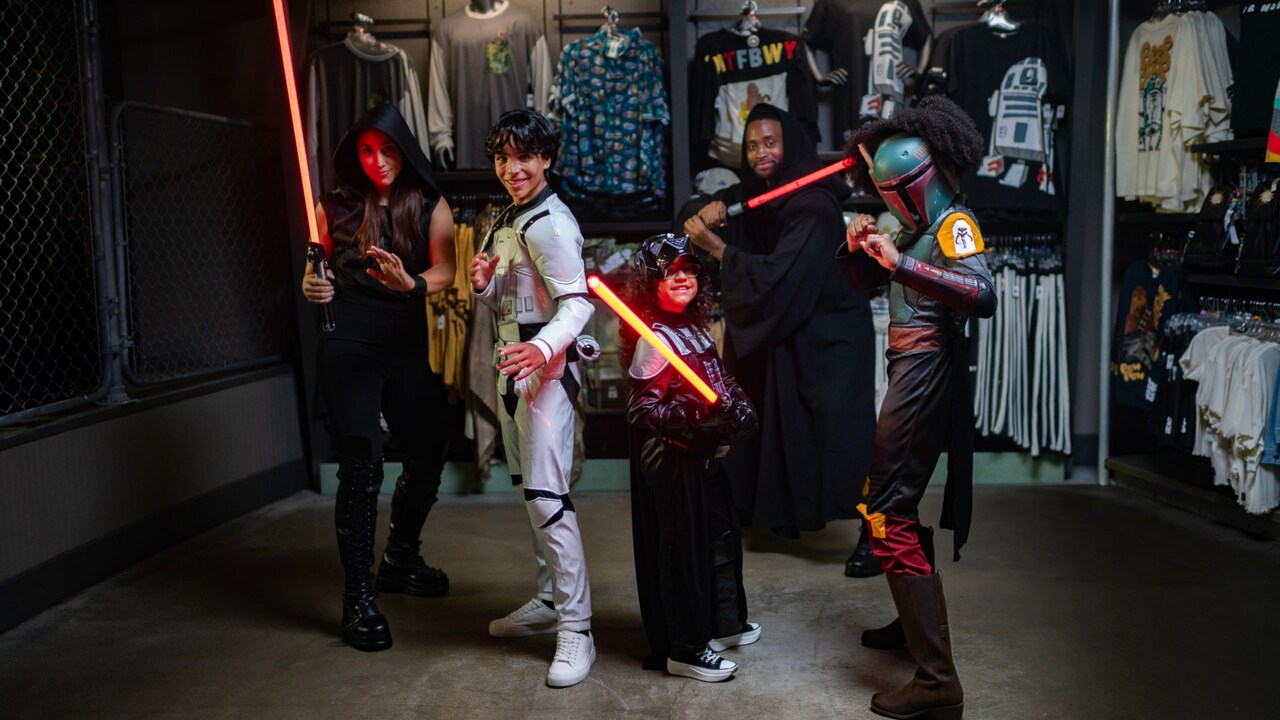
Are costumes or cosplay allowed in <em>Star Wars: Galaxy’s Edge</em>?<p>Costumes and costume masks may not be worn by Guests 14 years of age or older, except during specific separately ticketed events.</p><p>For Guests ages 13 and under, costumes and some costume masks may be worn. Masks must provide unobstructed peripheral vision at all times with openings that allow the eyes to be fully seen.</p><p><a href="/faq/parks/dress/">Learn more about park dress guidelines.</a></p>
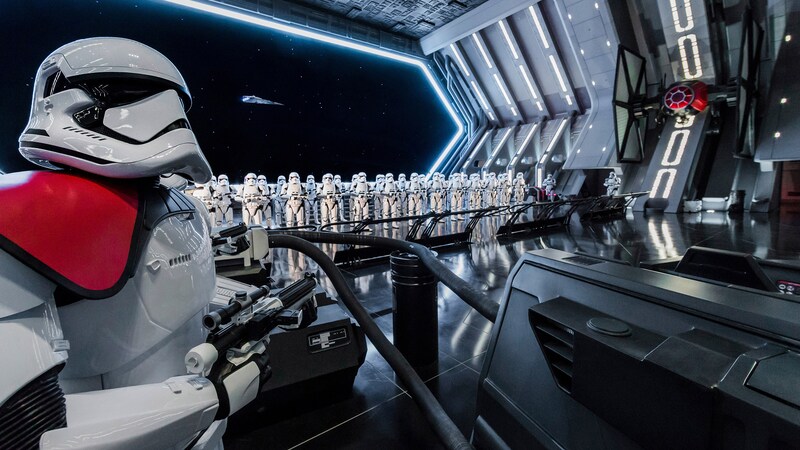
Is there a virtual queue for Star Wars: Rise of the Resistance?<p>You no longer need to join a virtual queue to experience <a href="/attractions/hollywood-studios/star-wars-rise-of-the-resistance/">Star Wars: Rise of the Resistance</a>. </p><p>You can join the standby line, or purchase a <a href="/lightning-lane-passes/">Lightning Lane Single Pass or Lightning Lane Premier Pass</a> to skip the standby line and join a shorter line, subject to availability.</p>
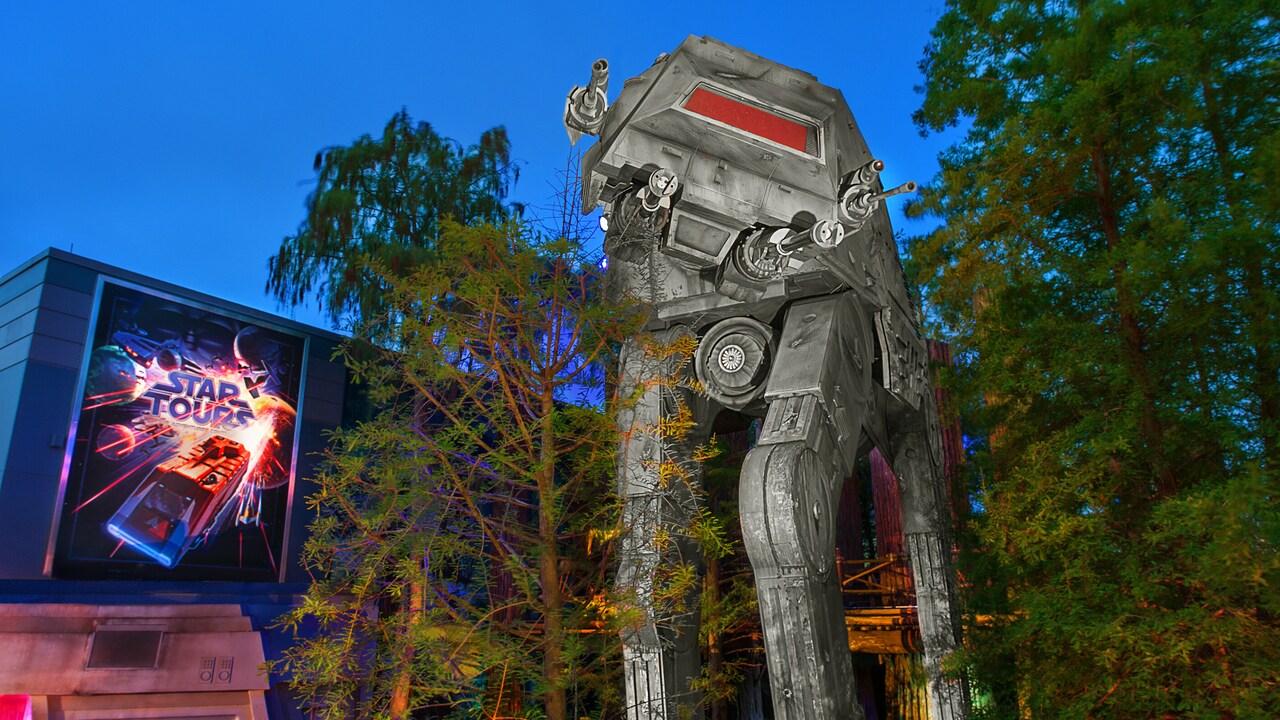
What rides are in <em>Star Wars: Galaxy’s Edge</em>?<p>You will find 2 thrilling attractions inside <em>Star Wars: Galaxy’s Edge</em>—<a href="/attractions/hollywood-studios/millennium-falcon-smugglers-run/">Millennium Falcon: Smugglers Run</a> and <a href="/attractions/hollywood-studios/star-wars-rise-of-the-resistance/">Star Wars: Rise of the Resistance</a>. But the thrills don't end there! You can also experience the fun of a galaxy far, far away just outside <em>Star Wars: Galaxy’s Edge</em> when you ride <a href="/attractions/hollywood-studios/star-tours/">Star Tours – The Adventures Continue</a>.</p><p><a href="/attractions/#/sort=alpha/">View a list of all attractions at Walt Disney World Resort.</a></p>
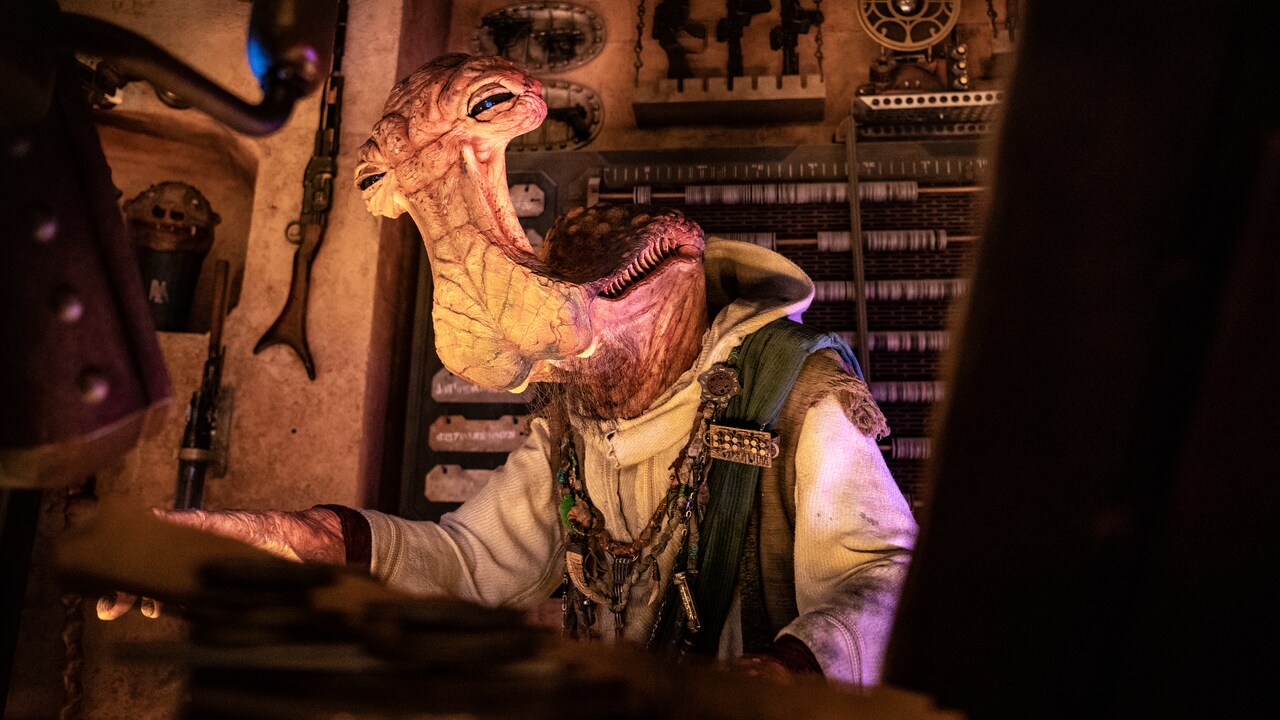
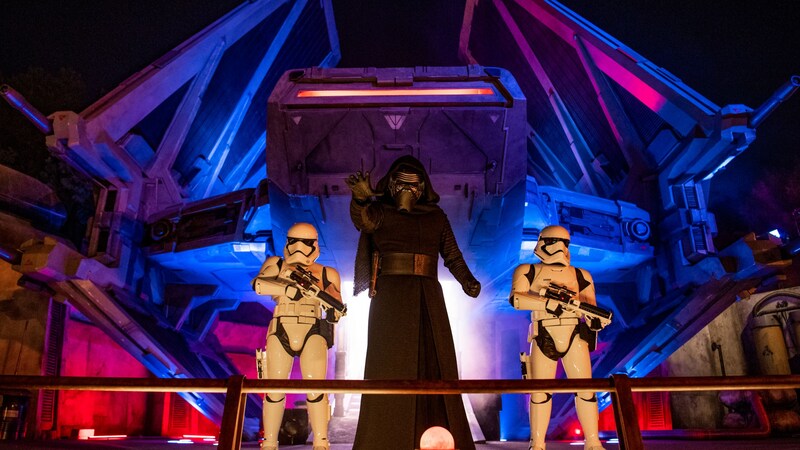
How can I meet Characters in <em>Star Wars: Galaxy’s Edge</em>?Some Characters roam freely within areas of <em>Star Wars: Galaxy’s Edge</em>, so encounters may happen spontaneously. Please check the <a href="/plan/my-disney-experience/mobile-apps/">My Disney Experience app</a> once you’re in the park for the most up-to-date appearance times. Just open the map and select the “Characters” filter to discover who's roaming the unpredictable streets of Batuu.
<p>Answer</p><p>Depending on where you purchased your droid unit, contact one of the following Guest Services teams.</p><ul><li><strong>Disney Parks:</strong> Contact Merchandise Guest Services at <a href="mailto:Merchandise.Guest.Services@DisneyParks.com">Merchandise.Guest.Services@DisneyParks.com.</a></li><li><strong>Disney Store:</strong> Visit<a title="Disney Store support" href="https://support.disneystore.com/" target="_blank"> Disney Store support </a>(opens an external site).</li></ul>
<p>Answer</p><p><strong>Important:</strong> Make sure your droid's Remote Controller is turned "off" before syncing to the Droid Depot app.</p><p>To connect or synchronize your droid with the Droid Depot app:</p><ol><li>Turn on your droid.</li><li>Launch the Droid Depot app.</li><li>Tap "I have a Droid!"</li><li>Tap "OK" when prompted to use Bluetooth.</li><li>When prompted to initiate droid communication synchronization, tap "Yes."</li><li>When prompted, turn your droid off, then tap "Continue" to start synchronization.</li><li>When prompted, turn your droid on, then tap "Continue" to complete synchronization.</li><li>Your droid will beep when synchronized successfully; tap "Yes" to confirm.</li></ol><h3><strong>Bluetooth Settings</strong></h3><p>Droids use Bluetooth technology to communicate. If you're having trouble connecting your droid, check your device's Bluetooth settings.</p><h4><span style="font-weight: normal;">On Your</span> iOS Device</h4><ol><li>Open "Settings."</li><li>Select "Bluetooth."</li><li>Tap the toggle to turn it on.</li></ol><h4><span style="font-weight: normal;">On Your</span> Android Device</h4><ol><li>Go to "Settings."</li><li>Select "Bluetooth."</li><li>Tap the toggle to turn it on.</li></ol><h3><strong>Location Settings</strong></h3><p>You may also need to verify or enable your location settings:</p><ol><li>Go to "Settings."</li><li>Select "Location."</li><li>Tap the toggle to turn it on.</li></ol>
<p>Answer</p><p>The Droid Depot app lets you play games with your Droid Depot Custom Astromech Droid outside the park and build a Digital Droid.</p><h3><strong>Supported Devices</strong></h3><p>The Droid Depot app requires the following minimum operating systems.</p><ul><li><strong>iOS:</strong> iOS 14 or later</li><li><strong>Android:</strong> Android 13 or later</li></ul><h3><strong>Support for Modified Devices</strong></h3><p>Disney Mobile Support does not troubleshoot the app on device hardware or software that has been modified from original specifications (for example, "rooted" or "jailbroken" devices). Support is limited to officially sanctioned versions of device hardware and software.</p><p>You can find the Droid Depot app in your device's app store.</p>
<p>Answer</p><h3><strong>Piloting Your Droid</strong></h3><p>You can control or pilot your connected droid using the Droid Depot app.</p><ol><li>Launch the Droid Depot app.</li><li>From the main menu, select "Piloting."</li><li>Tap "Initiate" to launch the user interface.</li></ol><p>Pro Tips:</p><ul><li>Touch and drag the directional pad or tap and hold the arrow buttons to move.</li><li>Tap the function buttons for sound and lights.</li></ul><h3><strong>Choreographing a Dance Sequence</strong></h3><p>You can also set your connected droid to dance to the beats of DJ R3X using the Droid Depot app.</p><ol><li>Launch the Droid Depot app.</li><li>From the main menu, select "Maneuvering."</li><li>Tap to choose one of the 3 tracks.</li><li>Tap "Initiate" to launch the user interface.</li><li>Drag the movement icons to the empty boxes in the order you'd like your droid to move. For example, to have your droid spin right, zig-zag, and then spin left, place those icons in that order from left to right.</li><li>Tap "Initiate" and watch your droid dance.</li><li>To return to the main menu, tap "Pause" and select the "Main Menu" tab.</li></ol><p>You can find the Droid Depot app in your device's app store.</p>